Brand Agent
Make the feed look like one brand
Set the tone once, and every cut after it reads as the same brand. Post the week's cuts to Instagram as they are.
Brand Agent starts on the Pro plan.
How it shoots
- 01
Set the tone
Pick a preset, or have it read your feed or a photograph you admire and build your brand's tone from it.
- 02
Add your product
One product photo is enough. The label and the shape stay exactly as photographed.
- 03
Cuts come back in that tone
Nine or thirty, they read as one brand. Any cut can be revised on the spot.
- 04
Filled every week
Pick a day and a count, and that week's cuts are shot in your tone with captions ready — three, six or nine.
Often, and in one tone
On Instagram, accounts that post more often grow faster. But for a brand, posting often is not enough on its own.
Lift in weekly follower-growth rate, by posting frequency
Measured against each account's own usual growth rate — a lift in the rate, not in follower count.
- 1–2 a week+0.12%
- 3–5 a week+0.26%
- 6–9 a week+0.44%
- 10+ a week+0.66%
Buffer calls 3–5 posts a week the sweet spot: higher bands score higher still, but this is the range it recommends once quality and sustainability are weighed in. Weeks with 3–5 posts saw more than double the growth-rate lift of weeks with 1–2.
Buffer, 2025.8 · 2.1M Instagram posts · 102K accounts · Buffer's own users, correlational · not a GESTEL result
Posting often is not enough
Look at brand accounts alone and the picture changes. In the industry benchmark, Retail and Beauty post the most of any industry and still sit near the bottom on engagement. In a crowded feed, a recognisable tone is what carries.
Rival IQ, 2026.3 · 2026 Social Media Industry Benchmark · 150 brand accounts per industry
So GESTEL starts with the tone, then fills every week
The Brand Agent shoots cut after cut in the tone you set — and, if you want, fills every week with three, six or nine. How often you post is yours; GESTEL makes sure the week's photos are never missing.
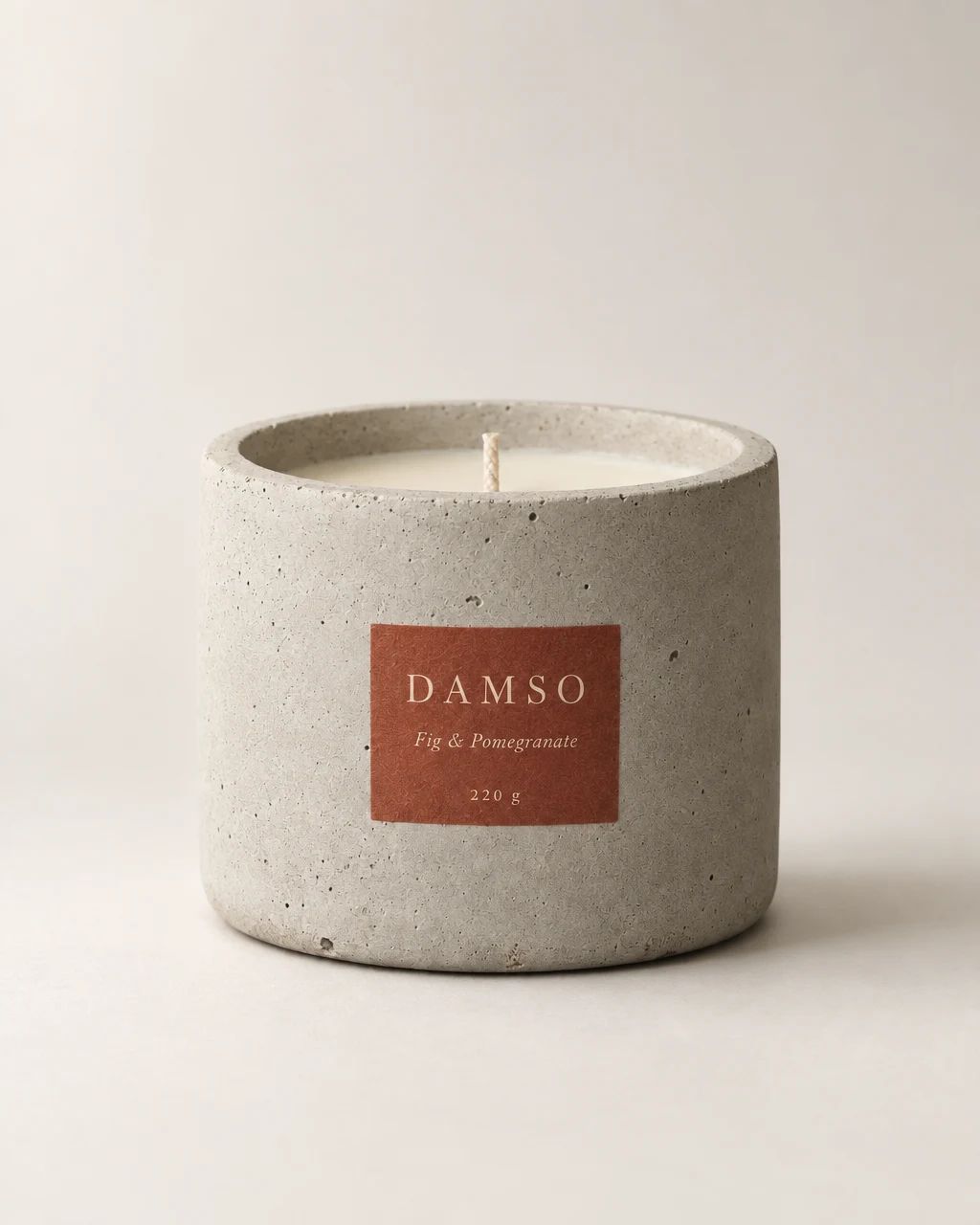
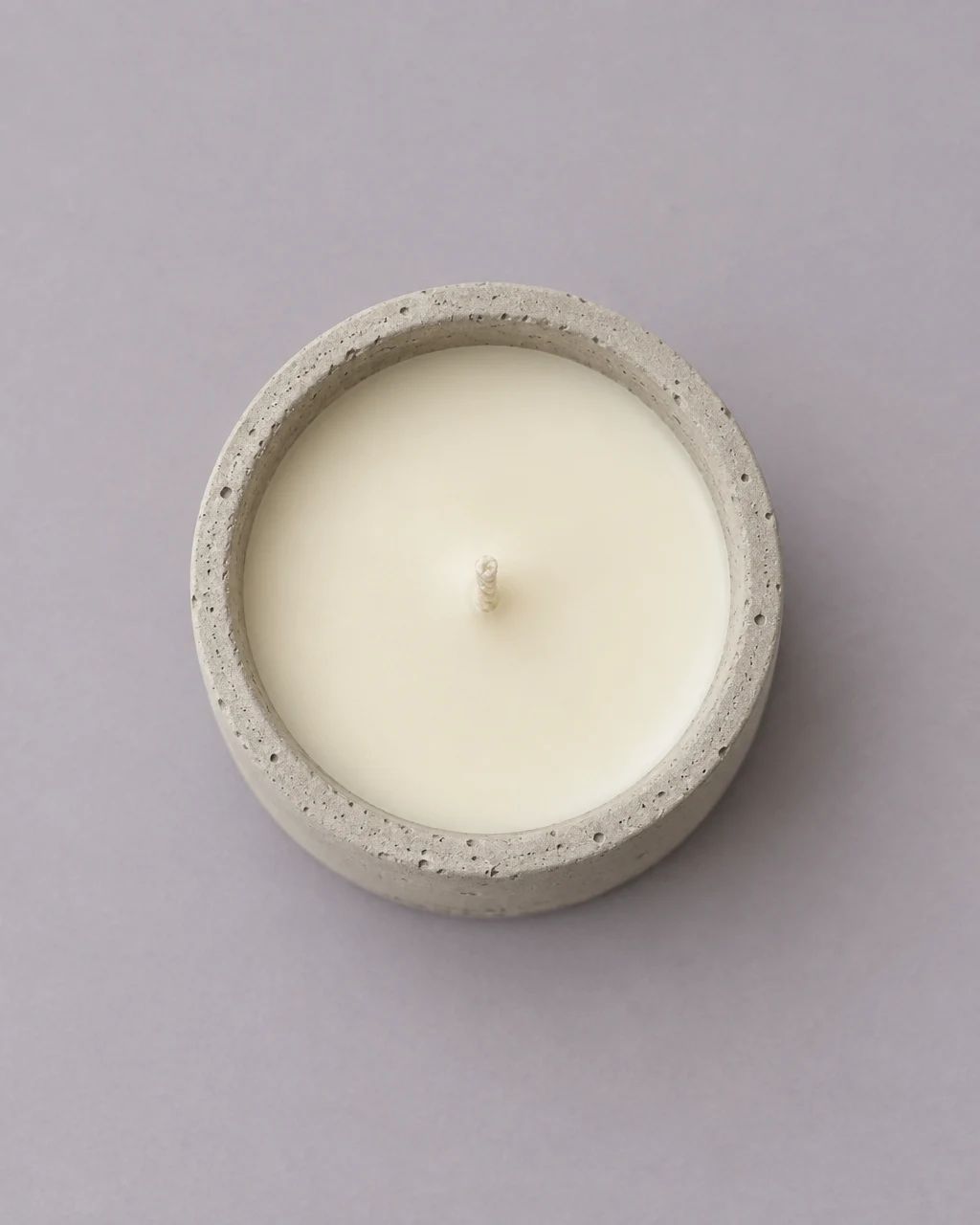
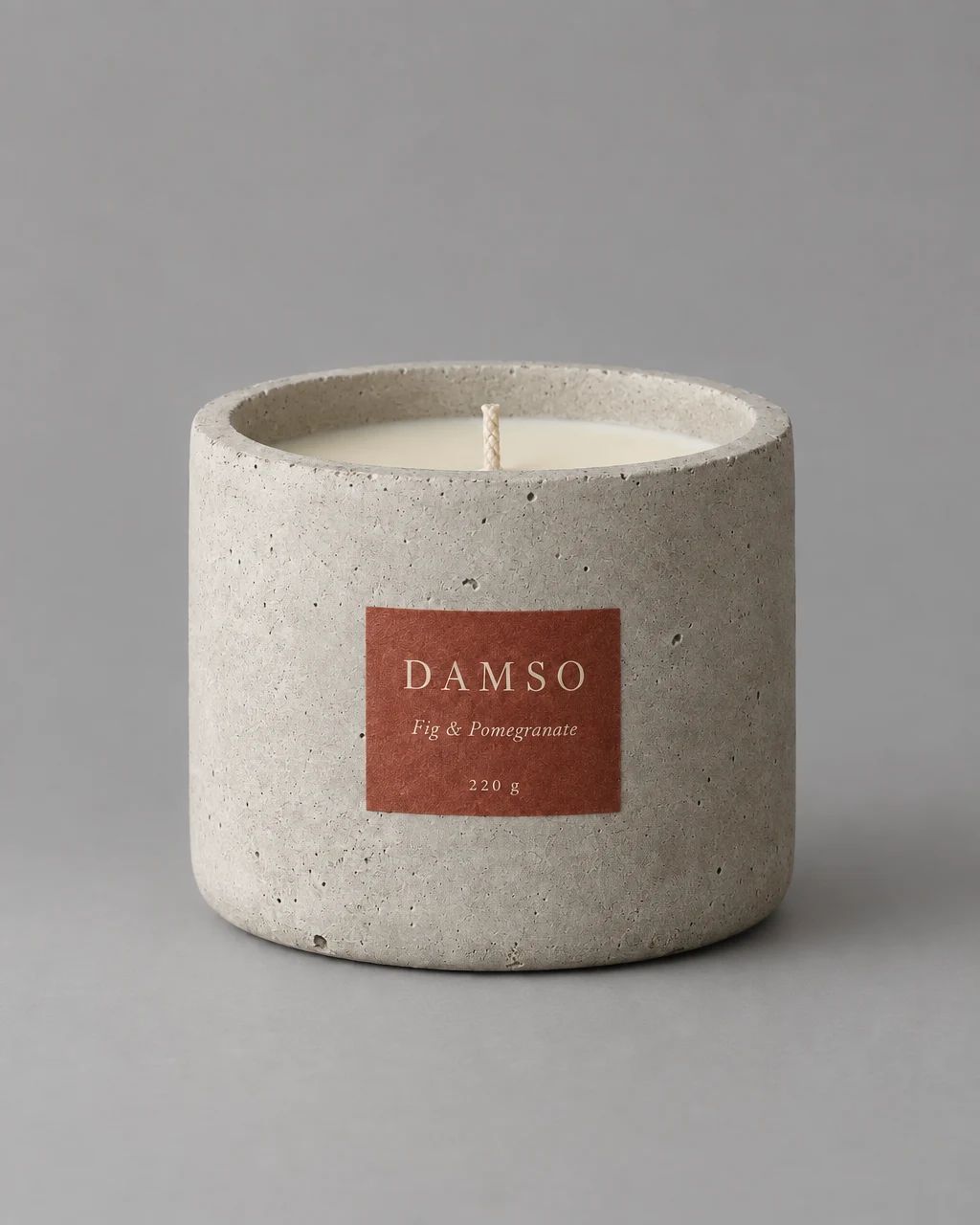
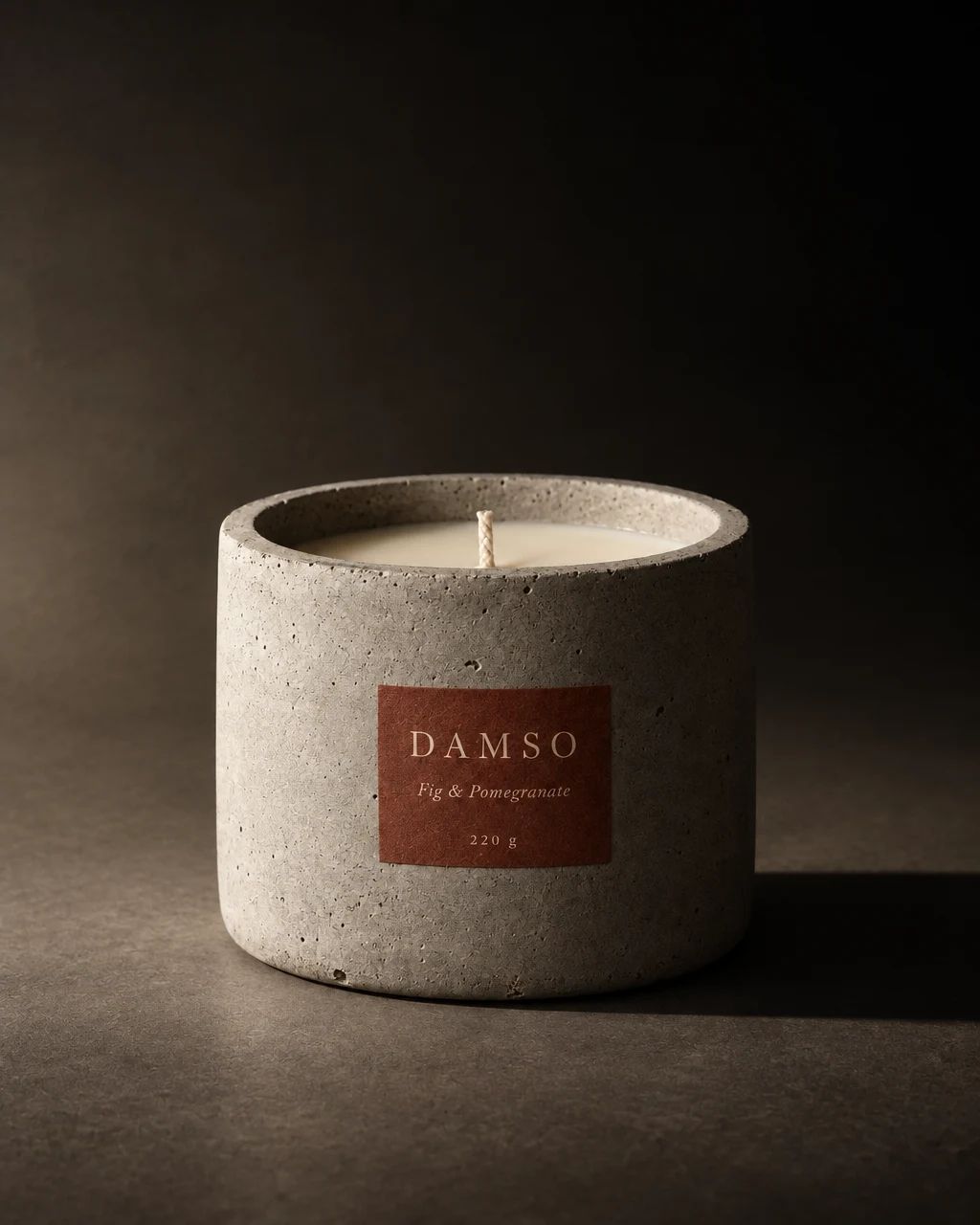
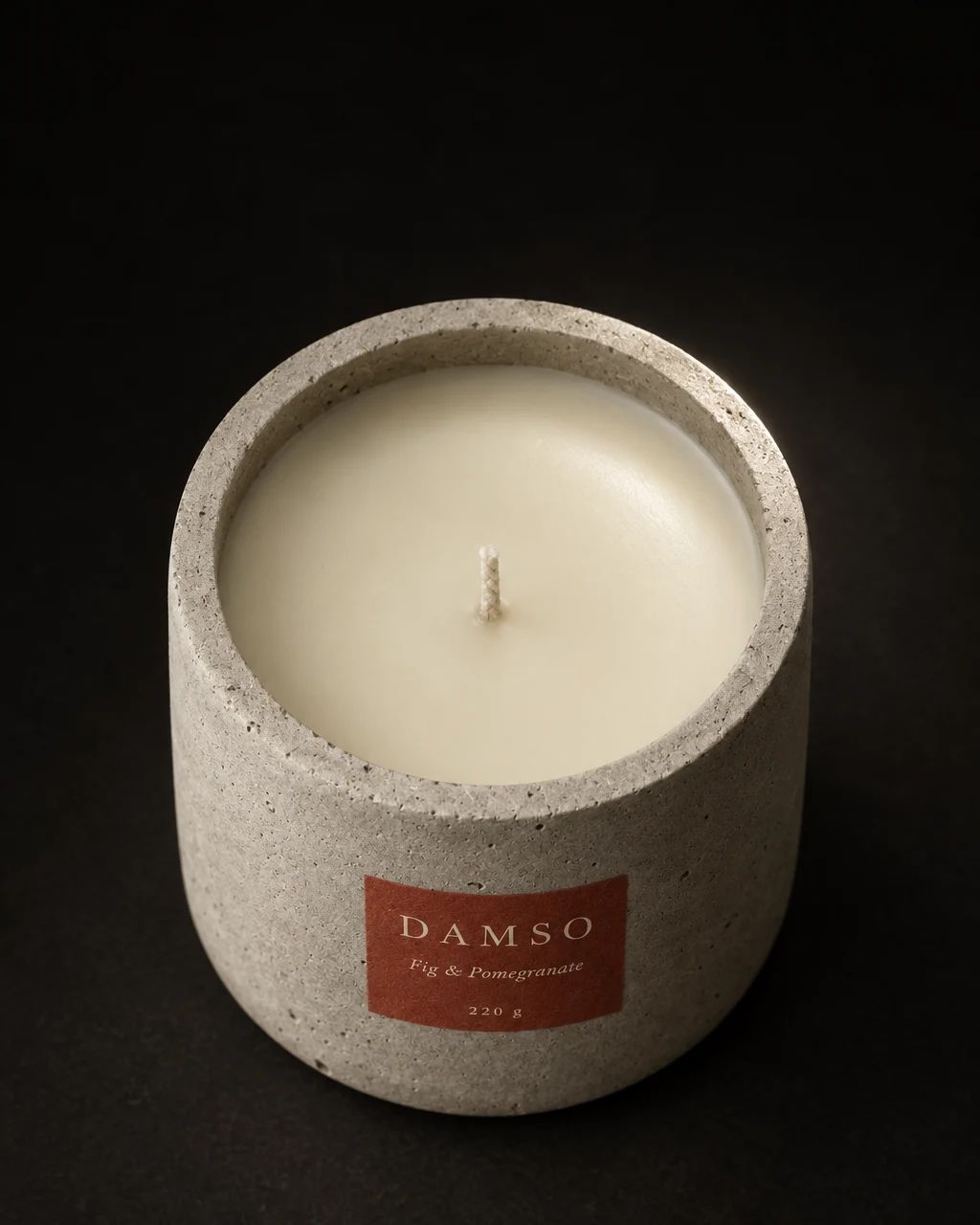
One product, three feeds
The same candle. Only the tone changes — and each grid reads as a brand of its own.
Tone · 선라이트 내추럴









Tone · 클린 스튜디오
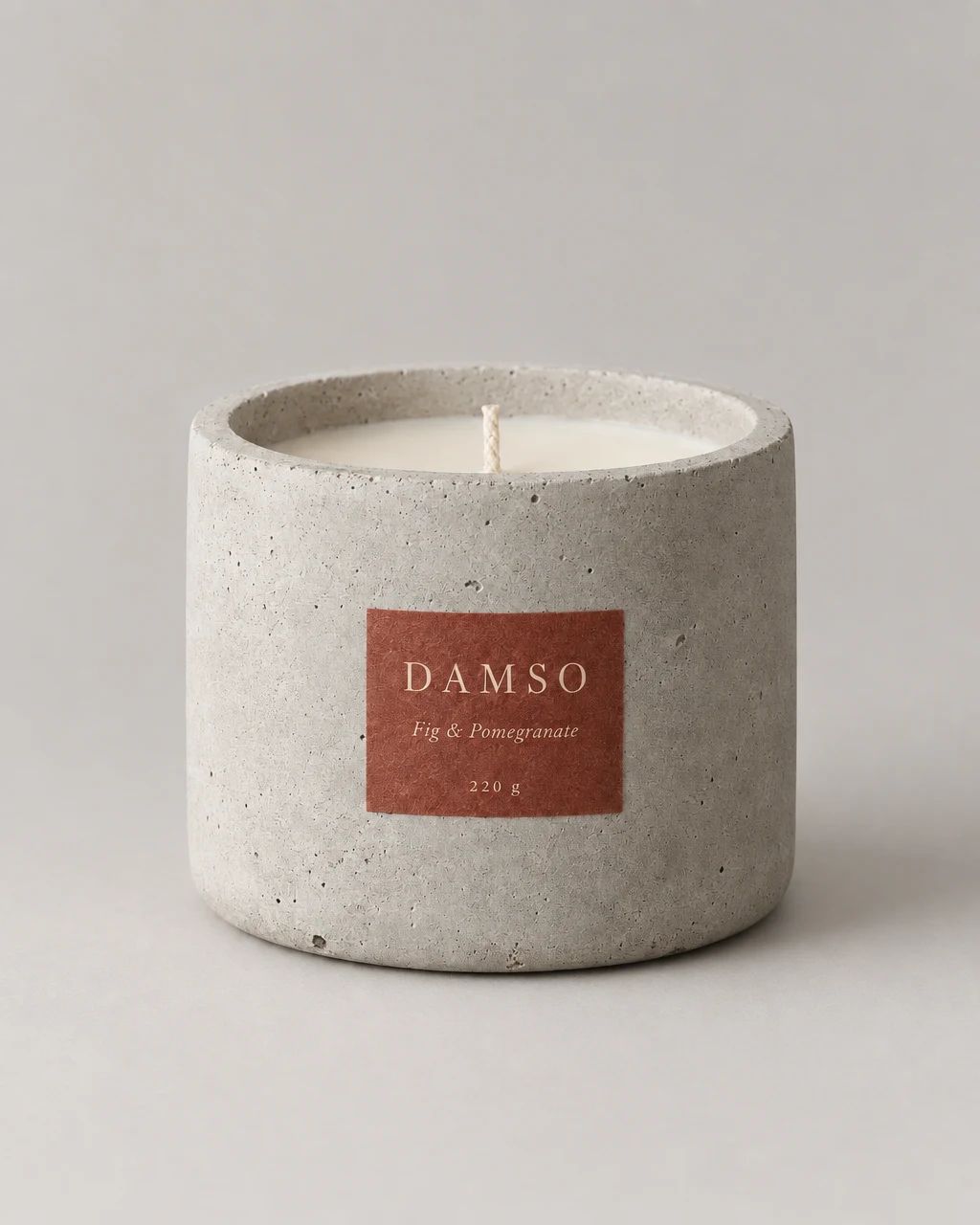
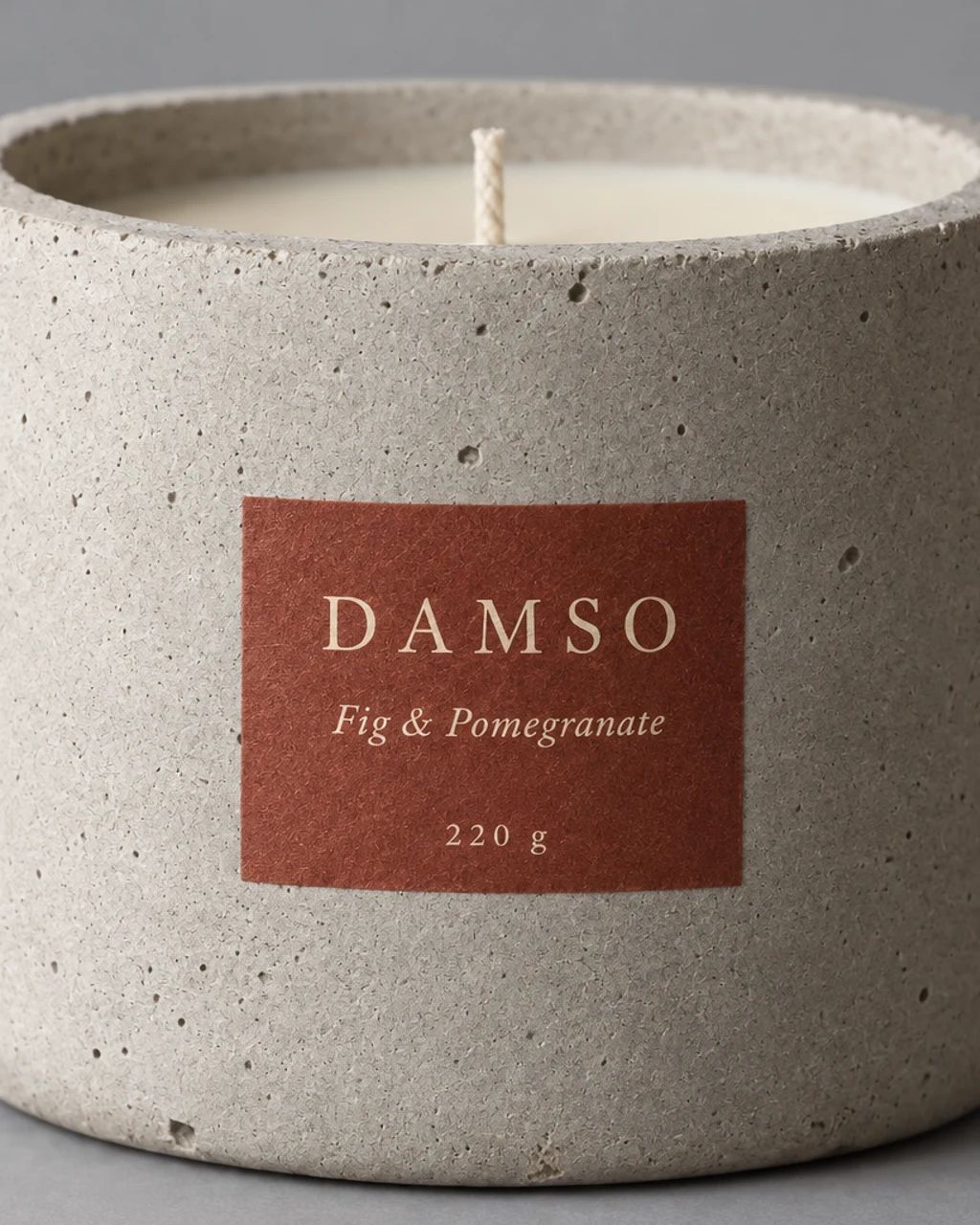
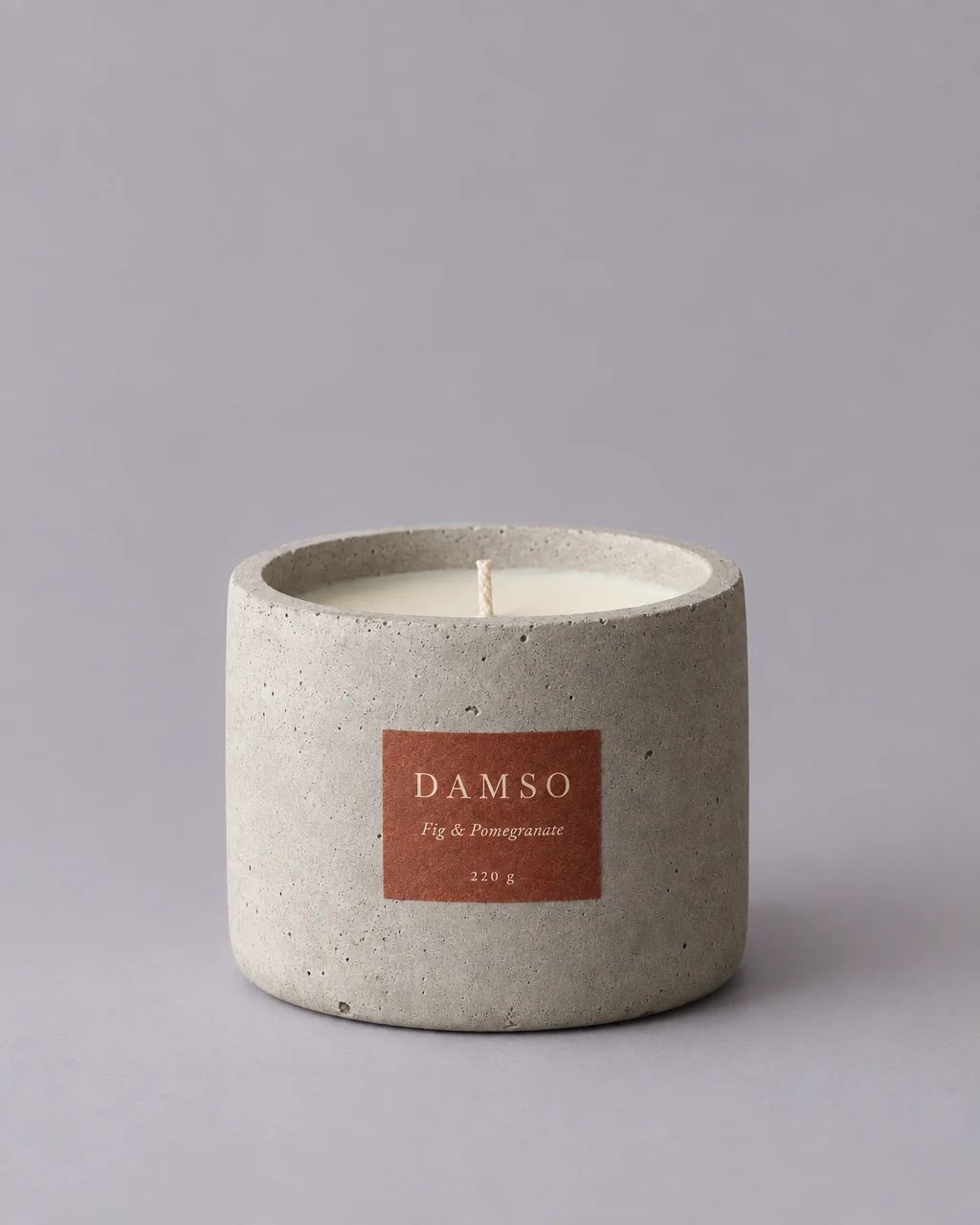


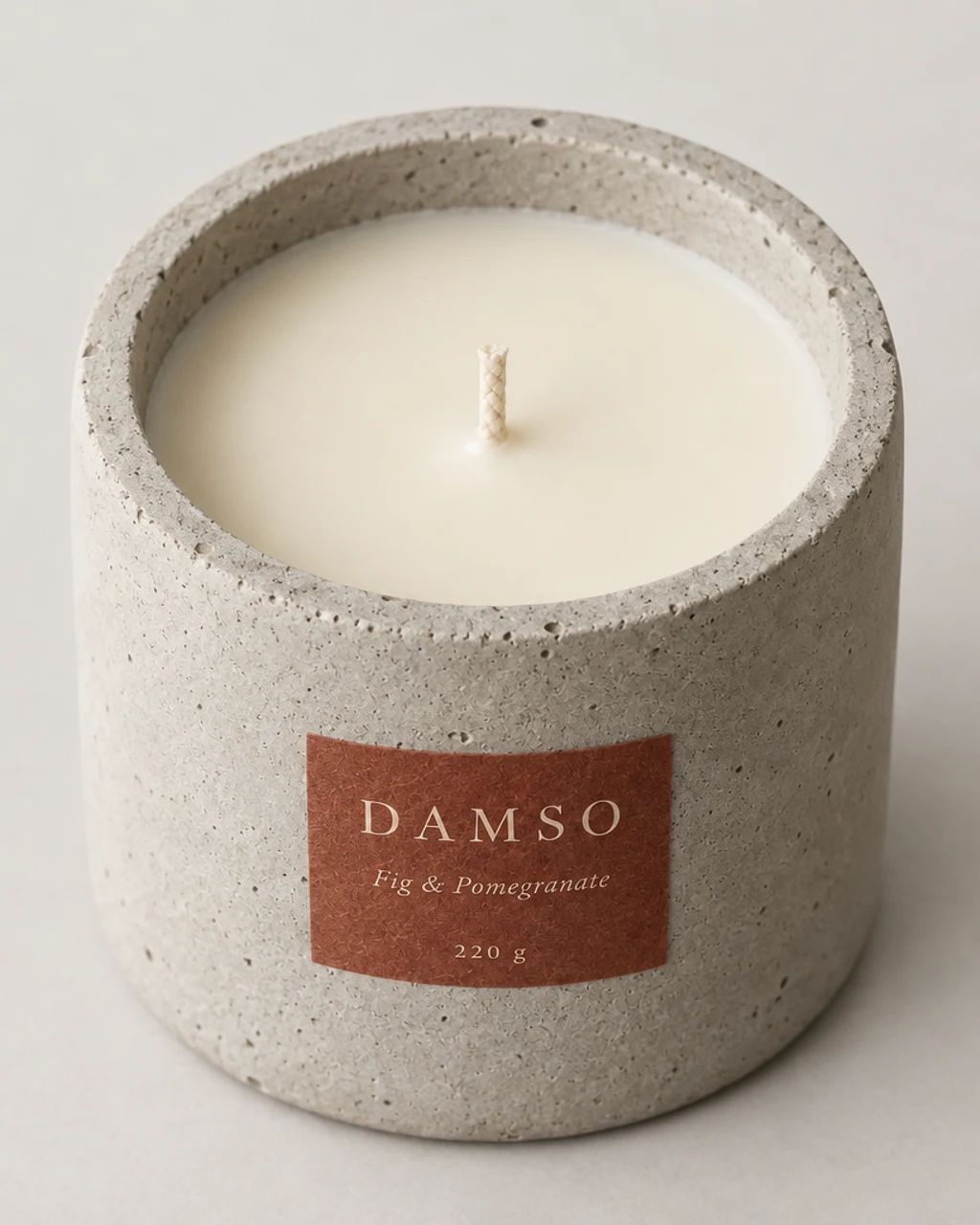
Tone · 딥 무드







When a reference sets the tone
A single photograph you admire can be read into a tone as well. The photo itself is never sent to the image model.

Reference · A knit on a rainy night street 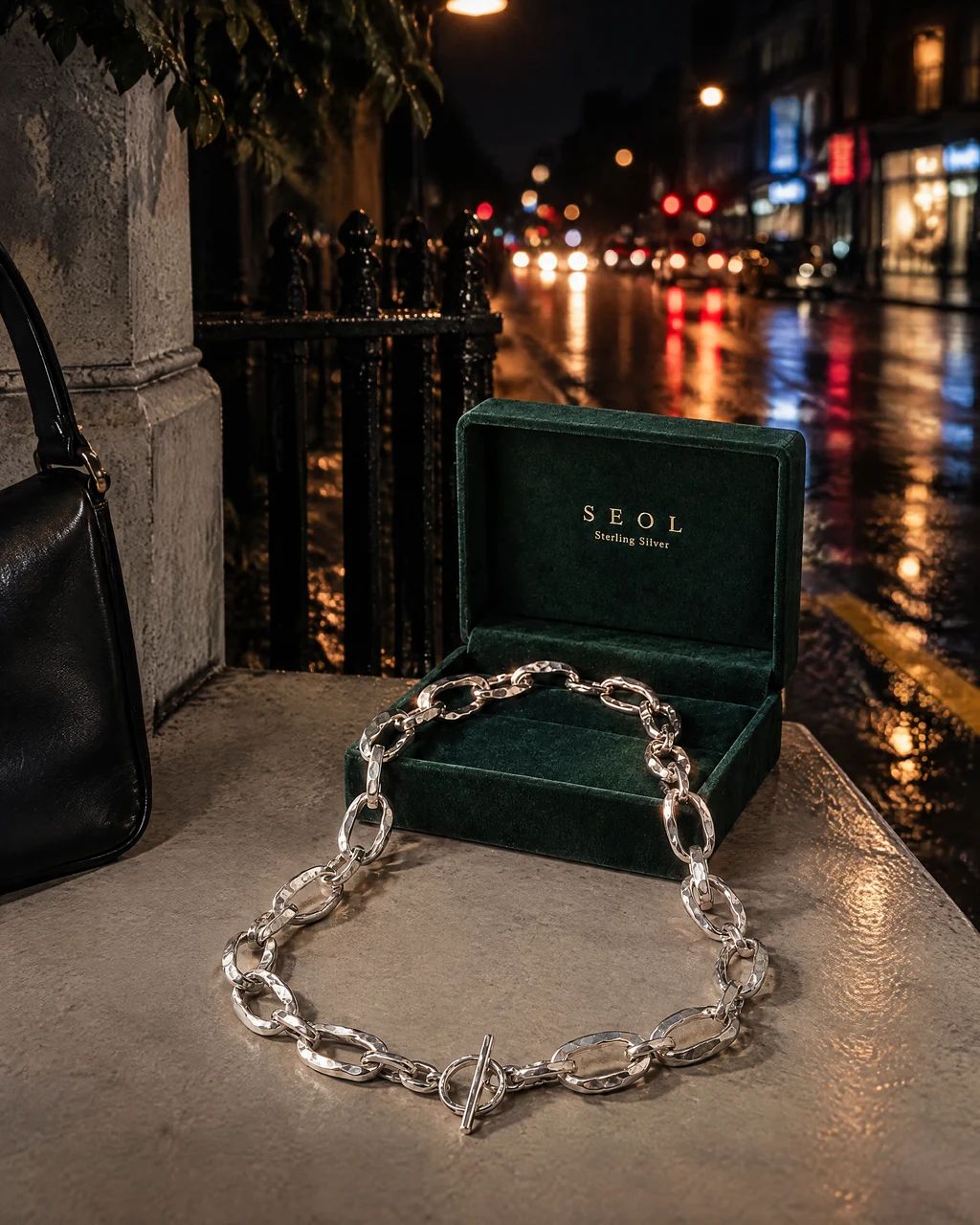
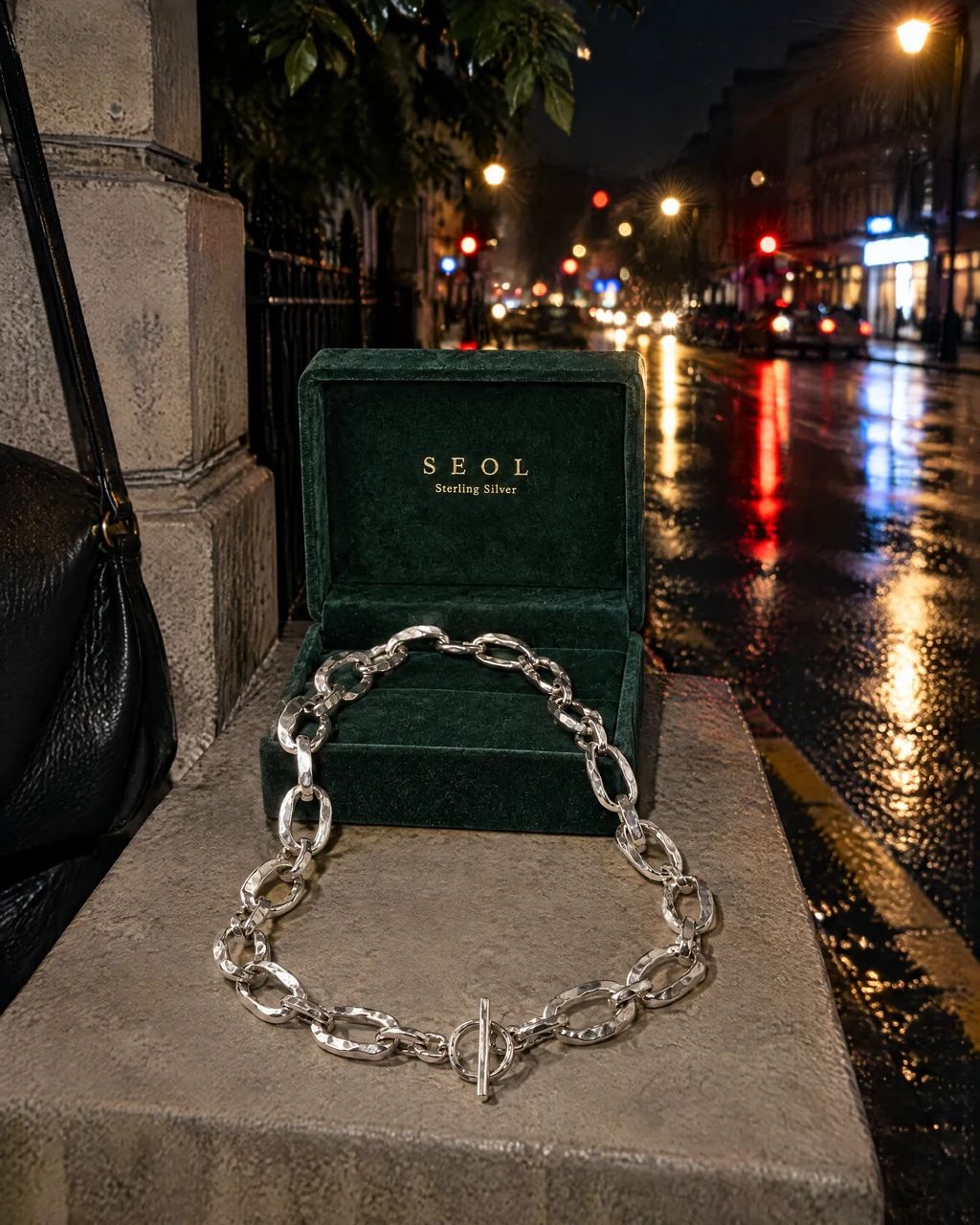
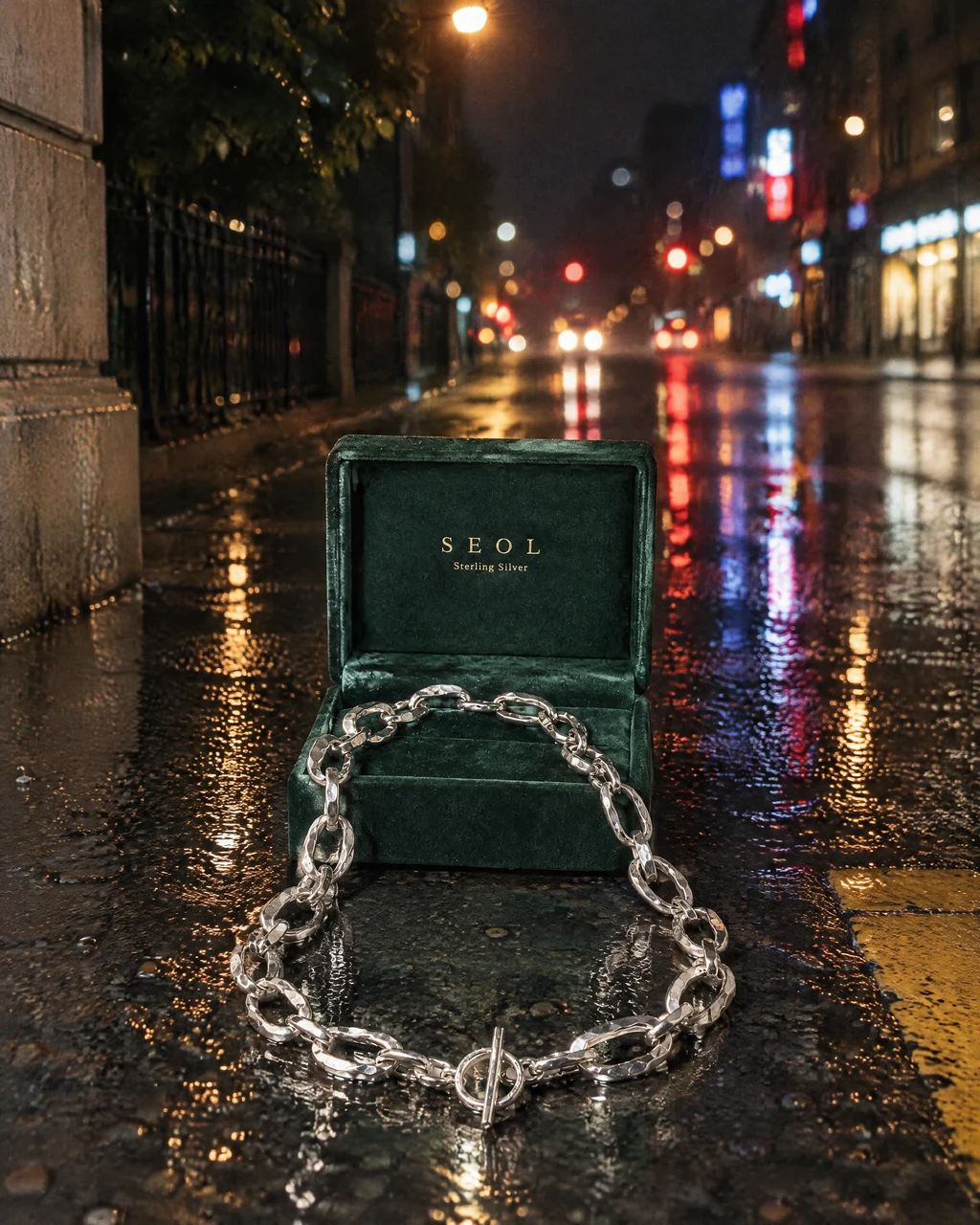
Cuts by the Brand Agent · SEOL sterling silver necklace
What you can make
- What to bring
- A clear product photo and either a preset tone, a saved brand kit, or a visual reference. Use reference material you have permission to use.
- What you get
- A coordinated set of product photographs. An optional weekly feed schedule prepares more images and caption drafts for review and download.
- What you can change
- Choose the tone and product, review the proposed cuts, and request changes to individual results. Saved brand kits can carry a weekly schedule.
- What to check
- Check product shape, labels, color, and any caption claims. Weekly captions are drafted in your account's display language, Korean or English. Instagram posting remains a manual step after download.
Find the right fit
Choose Brand Agent when a group of images needs one recognizable tone. Quick Shoot suits a product in a chosen scene; Canvas suits a brief you want to develop in conversation.
Brand Agent is available from the Pro plan. Check current credits and other plan limits before starting.
Compare plans and credits →Questions, answered
How is Brand Agent different from Quick Shoot and Canvas?
Brand Agent starts with a tone or reference and plans a coordinated set. Quick Shoot starts with a product and a chosen scene. Canvas lets you develop photos, ads, or video through a conversation and keep the work in a project.
Do I need a brand kit before I start?
You can begin with a preset tone or a reference. A saved brand kit helps you reuse your direction and is where you configure a recurring weekly feed.
Which product photos should I upload?
Use a sharp photo showing the whole product, with readable labels and natural color. Extra views help when shape or packaging details are important. An unclear source gives the model less reliable information to work from.
Can I change just one image?
Yes. Review the results and request an edit on the individual cut you want to change. Describe the specific adjustment, then check the new result against your product before downloading.
How does the weekly feed work?
For a saved brand kit, choose the available weekday and batch size and select your products. Scheduling uses Seoul time. The workflow prepares the batch when it is due, subject to your plan and available credits; review the results before use.
Does Brand Agent post to Instagram for me?
It prepares assets for review and download. You choose what to publish and post it yourself or through your existing scheduling tool. It does not automatically publish to your Instagram account.
Are the captions available in English?
Yes. The weekly feed drafts captions in your account's display language. Switch the language to English in settings and the next feed's drafts arrive in English. Check the wording before you post.
Which plan includes Brand Agent?
The plan note on this page uses the current pricing catalog. Follow the pricing link for plan eligibility and credit allocations; generation and edits use credits.
Keep exploring
Build your next feed around your brand.
Start with your product, review the result, and make it yours.